How to use this site
A quick, step-by-step walkthrough for customers.
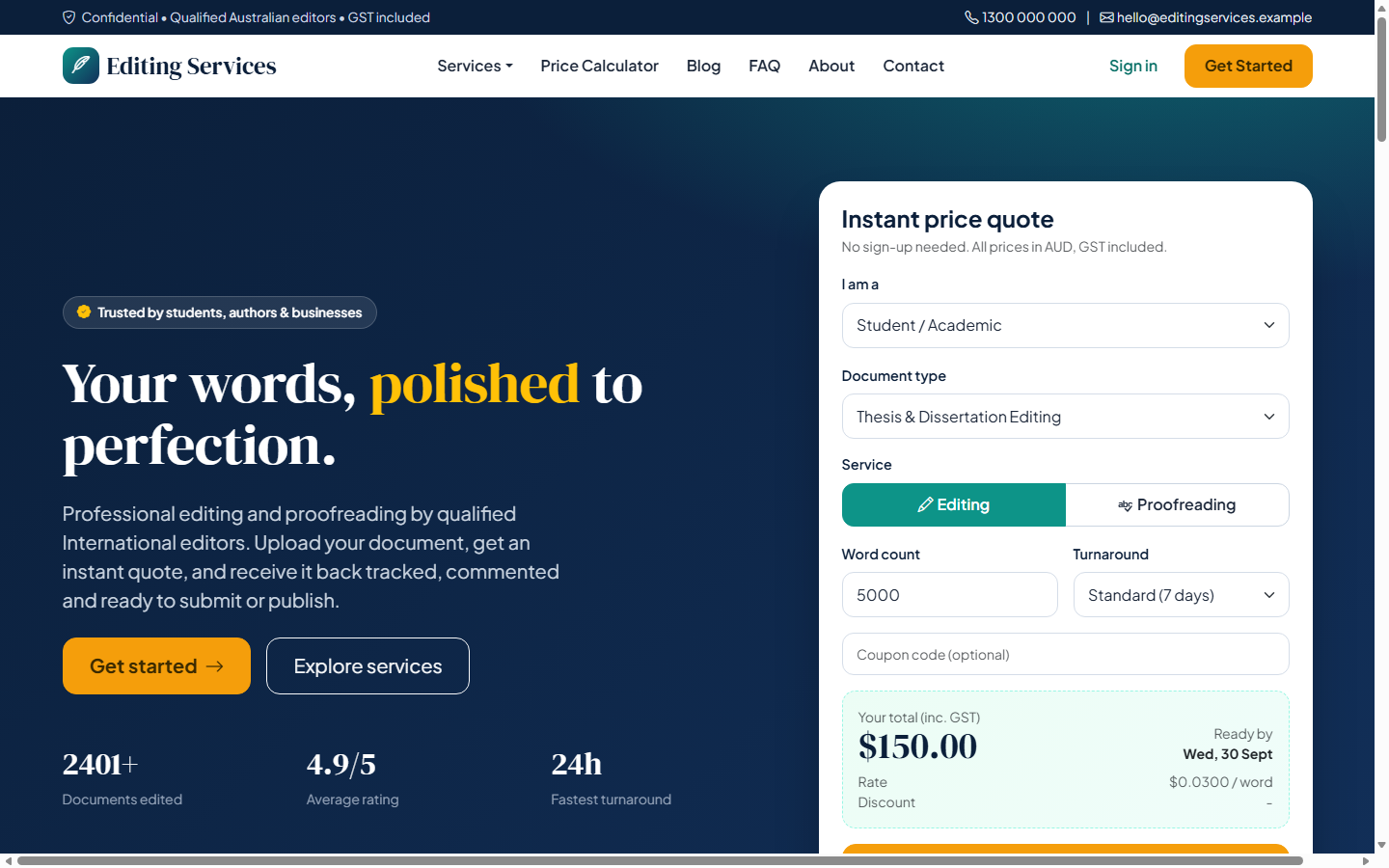
Get an instant quote
On the homepage or the Price Calculator, choose what kind of writer you are, pick your document type and service level (editing or proofreading), then enter your word count and turnaround. The price updates instantly.
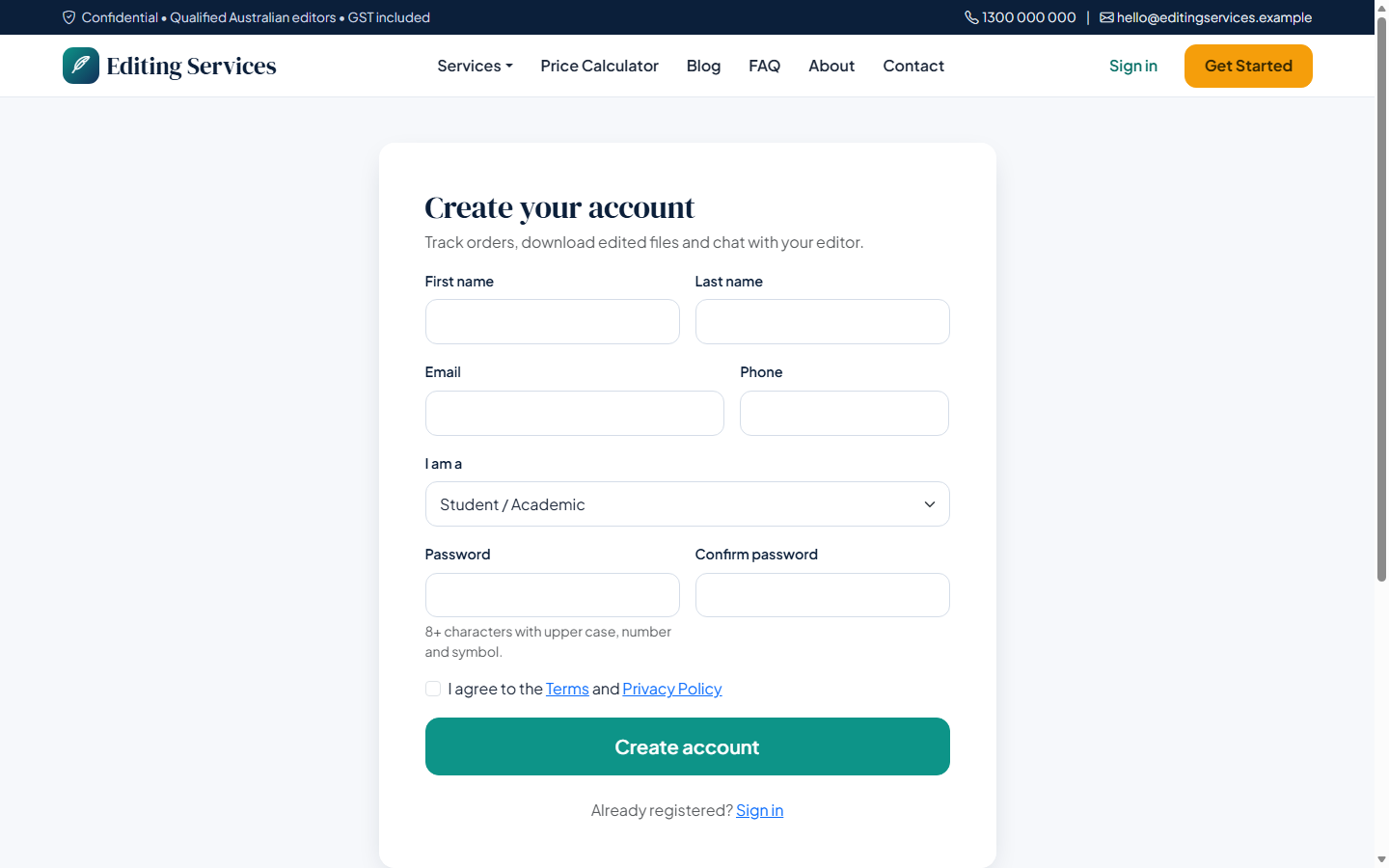
Create your free account
Click "Get Started" and fill in your name, email and a password. You'll use this account to place orders, message your editor and download your finished document.
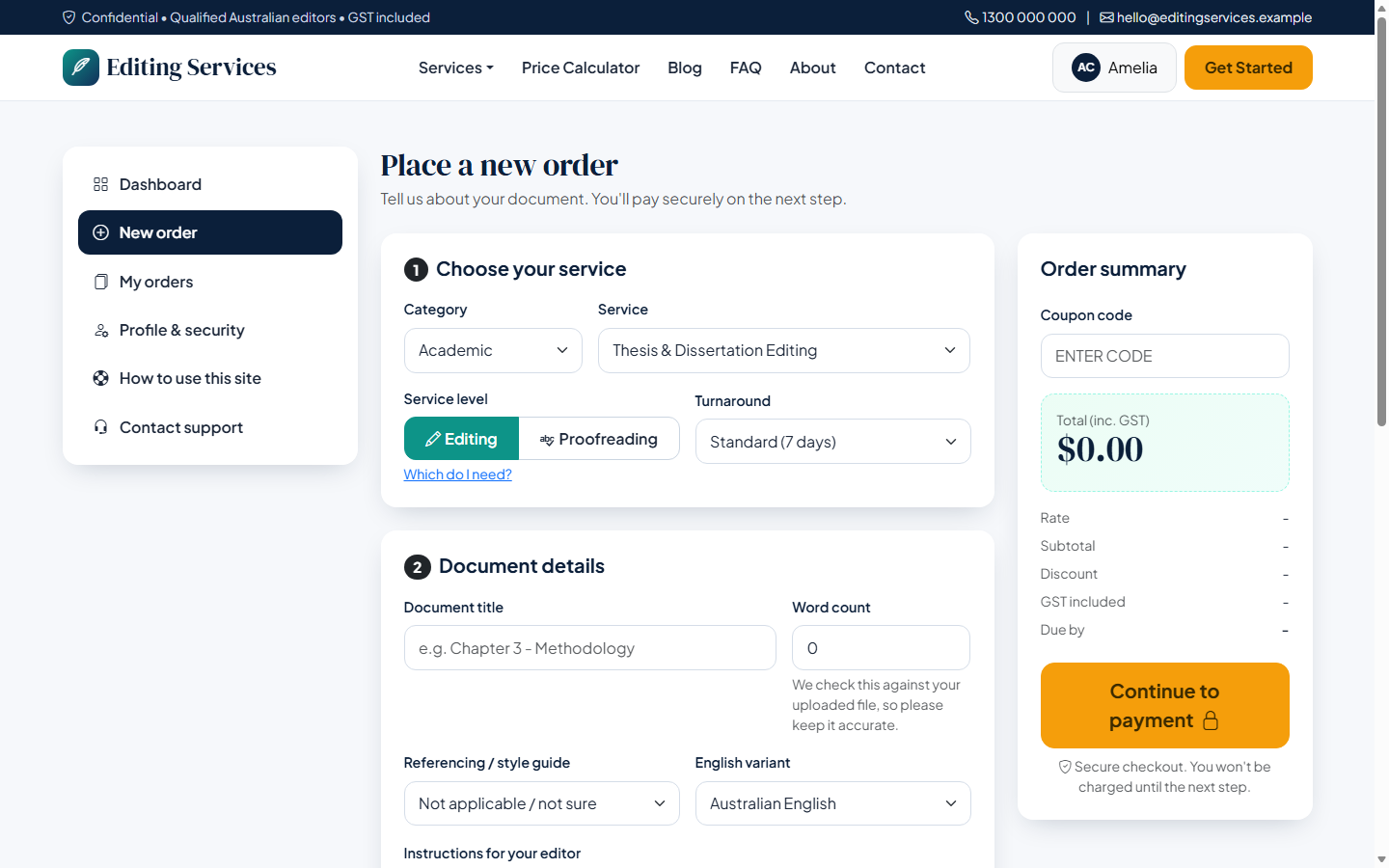
Place your order & upload your document
Fill in the document title, any style guide and instructions for your editor, then drag and drop your file (.doc, .docx, .rtf, .odt, .txt or .pdf, up to 25 MB). We check your word count against the file, so please keep it accurate - if it doesn't match closely enough, you'll be asked to correct it before you can continue.
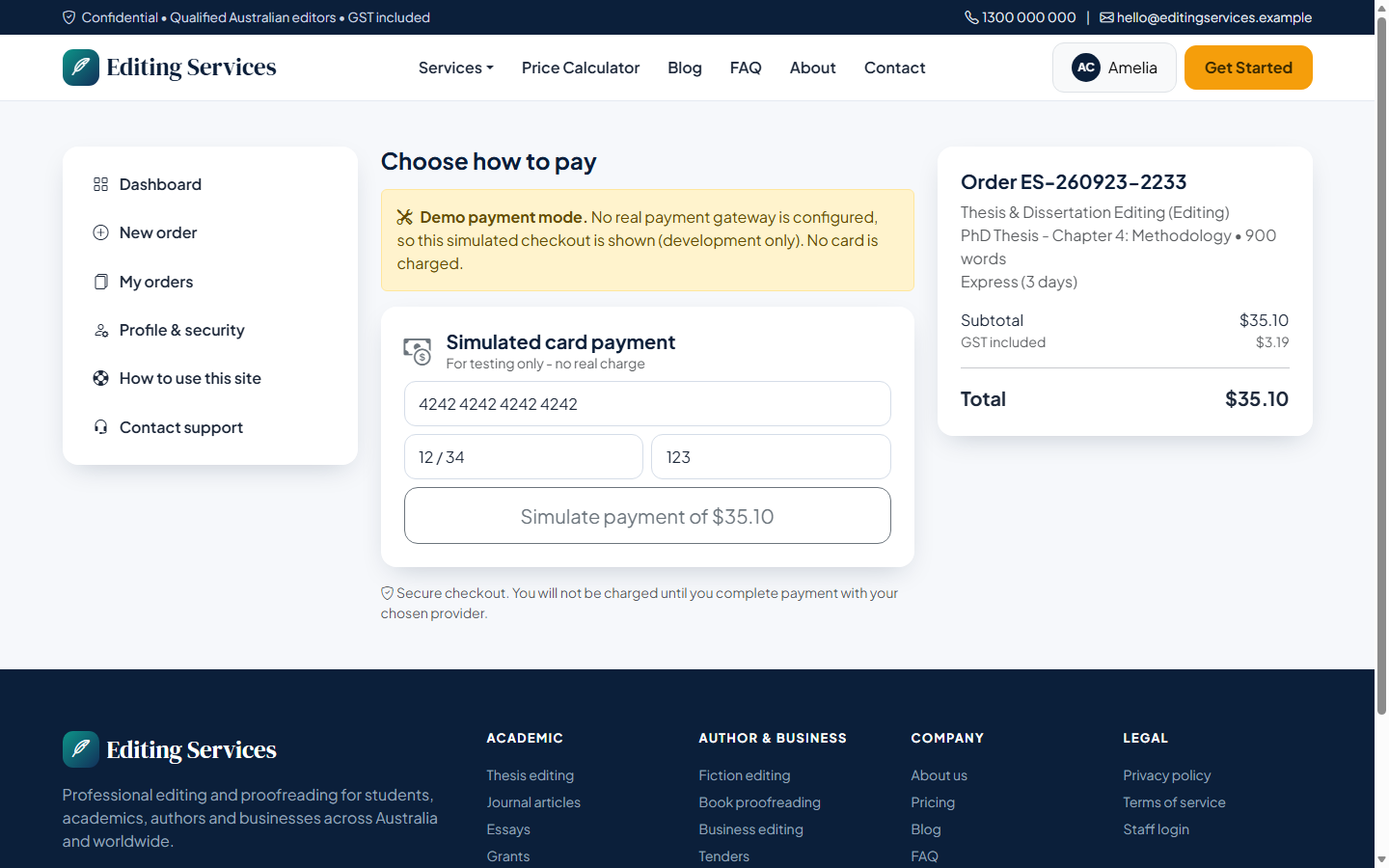
Pay securely
Choose card (Stripe) or PayPal on the checkout page and complete payment. You'll get an email receipt with a payment reference you can quote if you ever need to ask us about that payment.
Track progress & chat with your editor
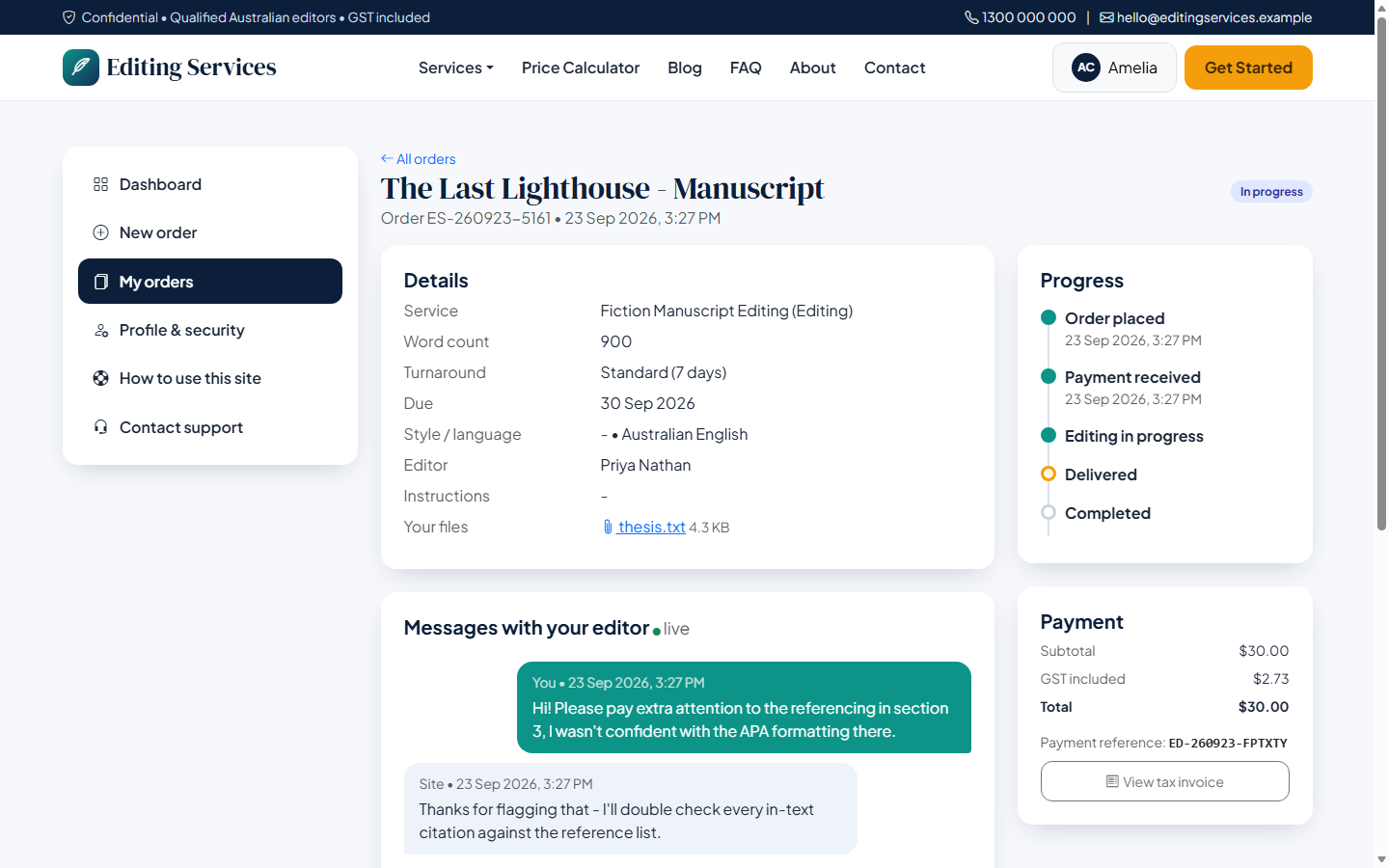
Your dashboard shows a live progress timeline. Use the message box on your order to ask questions or share extra information - replies from your editor appear instantly, no need to refresh the page.
Download your document & leave a review
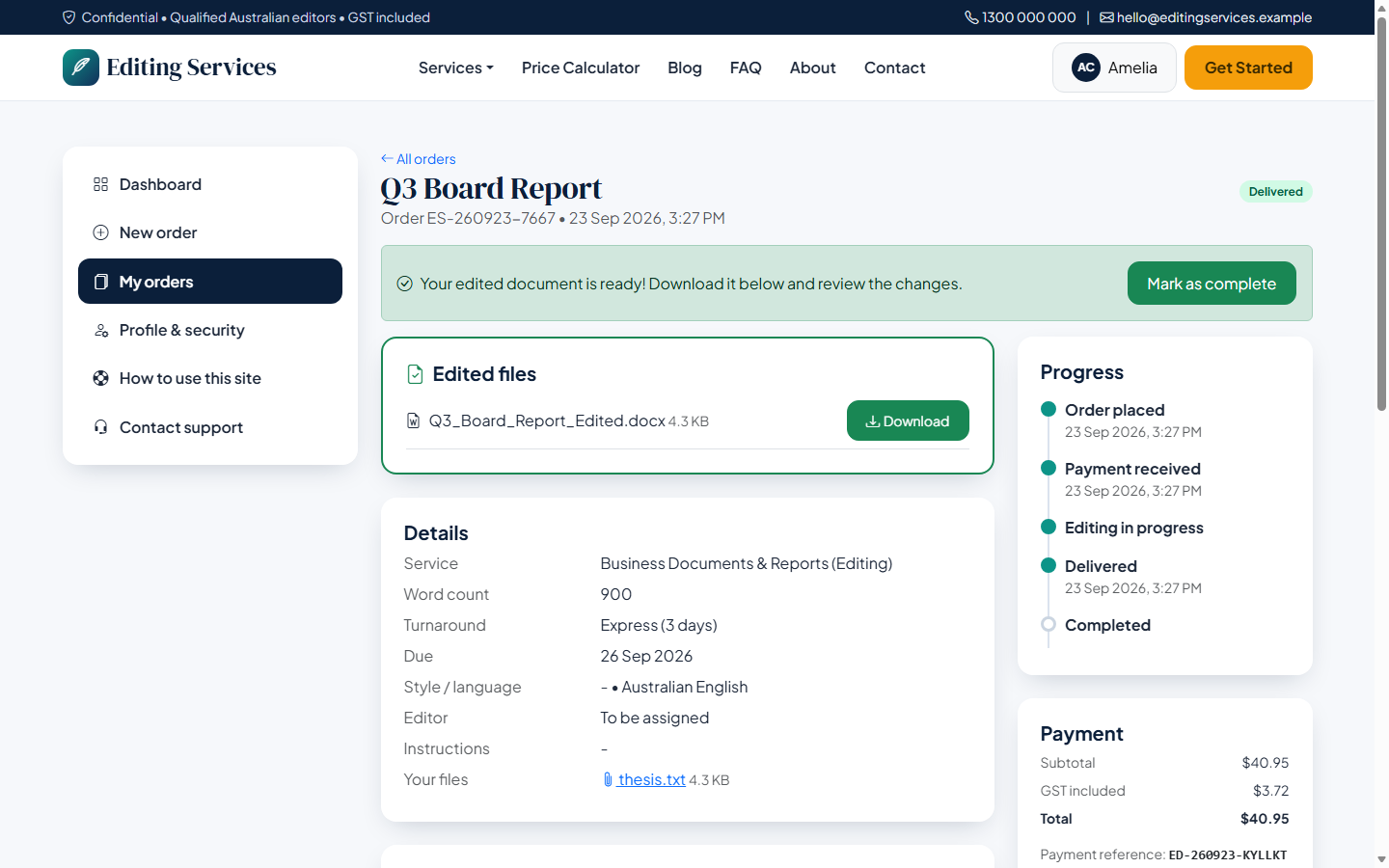
Once delivered, download your edited file straight from the order page. Click "Mark as complete" when you're happy, or message your editor first if you'd like any follow-up changes (free within 14 days). A quick star rating and review helps other customers.
Still have a question?
Check our FAQ for quick answers, or send us a message and we'll reply within one business day.
Read the FAQ Contact us